
Hello. This isKototsuki Design.
I get the impression that over the past year or two, the term “microCMS (headless CMS)” has become much more common in the web development industry.
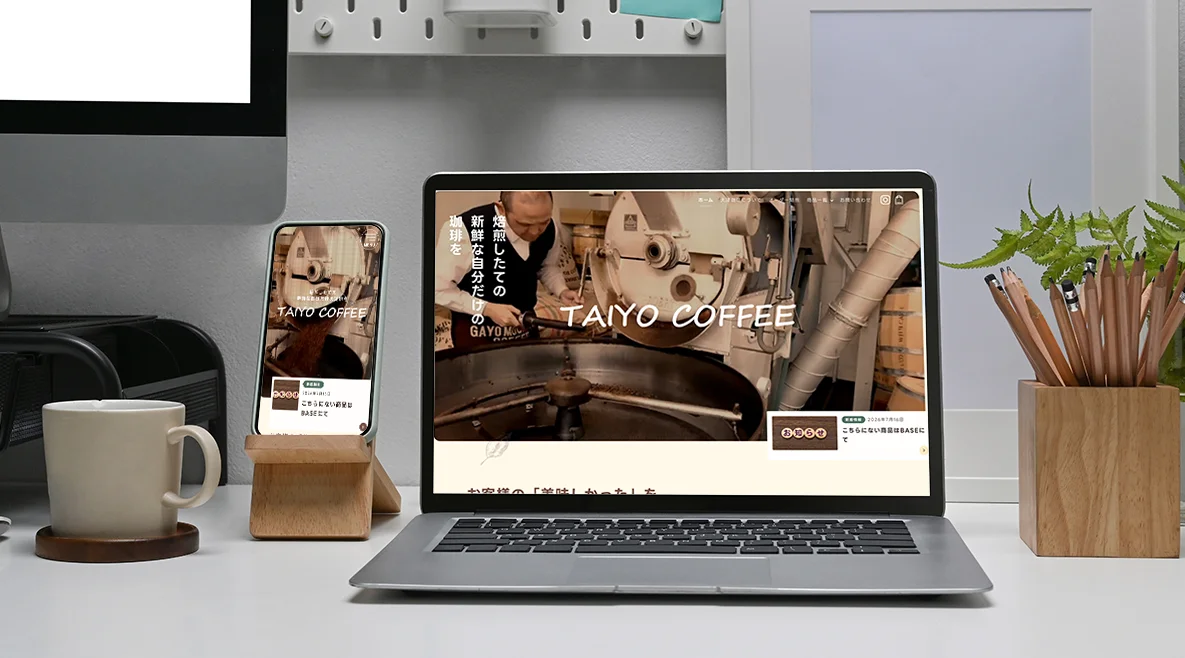
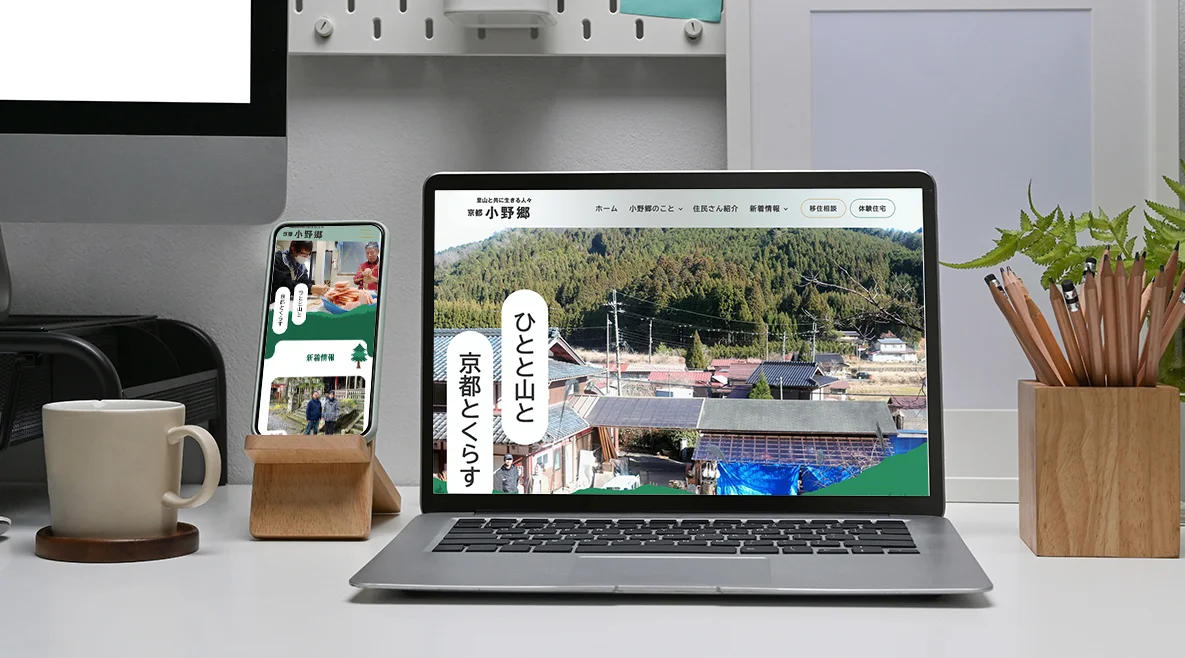
We, too, have built several client websites using microCMS and are helping with their operation.
In our previous article, we discussed general use cases and the differences between microCMS and WordPress, but this time, we’ll shift our perspective a bit.
I’d like to share my honest, unfiltered impressions of microCMS—including both the pros and cons—from the perspective of an engineer (developer) who’s actually building websites from the ground up.
To put it simply: “As a developer, it’s an incredibly fun system to work with. However, it’s a system that requires certain ‘conditions’ for clients to choose it.”
Here’s a real-world report straight from the front lines.
Before we dive into the main topic, just a quick note. If you’re wondering, “What is microCMS, anyway?” or “How is it different from other tools?” and want to get a general overview first, please read this article, “What Is microCMS?”
That way, the specific details I’m about to share will make much more sense and feel more relevant to you.
Advantage: “Overwhelming Agility” That’s Truly Inspiring to Build
First, here are the strengths that, as an engineer, made me think, “This is truly amazing!”
1. It’s just so fast! The joy of building a lightning-fast site
This is what impressed me the most. Since there are absolutely no unnecessary systems getting in the way, pages load instantly.
It’s like racing down a deserted lakeside road on a sunny day by bike or car—creating a site with that kind of exhilarating feeling naturally gets me excited as an engineer.
There’s a sense that every line of code I write directly translates into a smooth user experience (speed), and it feels incredibly liberating not to be bound by unnecessary constraints. This “speed” is the greatest form of hospitality we can offer to our visitors.
2. Freedom from the Fear of “Plugin Update Errors”
When running WordPress, there’s always the risk that a plugin update could suddenly cause the site to go blank or break the layout.
However, because microCMS is structured to not use such plugins, there’s no “fear of updates.”* You only need to keep an eye on the version of the underlying environment—
Node.js—making maintenance truly easy and secure.
3. A Simple Admin Panel That Keeps Clients from Getting Lost
The admin panel (the backend screen for writing posts) is extremely simple and streamlined. Since there are no complex menus, it’s easy to guide clients by saying, “Click here and enter your text.” I found this to be a major advantage, as even those who aren’t tech-savvy can use it intuitively.
Drawbacks: “Inconveniences” and “Cost Barriers” I Want to Be Honest About
On the other hand, after actually building and operating the system, I identified some painful weaknesses and hurdles that I felt I needed to clearly communicate to clients in advance.
1. It Takes Time for Changes to Take Effect After Publishing an Article
Unlike WordPress, where “pressing the publish button updates the site in a second,” that’s not the case here.
Due to its structure, every time you update an article, microCMS runs a “page rebuild” process behind the scenes.
As a result, there’s a time lag of “about 3 to 7 minutes” between clicking the button and the changes appearing on the actual site.
For those who frequently make minor edits, this can feel a bit frustrating.
2. The “hidden development effort” and “high setup costs” inherent in a custom-built system
This might be the biggest hurdle. Unlike WordPress, where you can simply “install a handy plugin and you’re done!”—here, every single feature must be painstakingly assembled by hand (through coding) by skilled developers. (We also develop under constraints like avoiding jQuery to maximize page speed to the absolute limit, but honestly, it’s quite a challenge, haha).
Honestly, even if you casually think, “I’d like to add this feature,” after the site goes live, you can’t just solve it in a few minutes with a plugin like you can with WordPress. Each time, thorough design and implementation (programming) are required, so even small changes incur a significant amount of cost and time.
As a result, it’s not uncommon for the time and cost of development to be “about 1.5 times” that of building with WordPress. Additionally, there are strict limitations on the number of APIs (post types) you can create within the free plan, so if you’re building a large-scale site, you’ll incur monthly fees for a paid system.
Conclusion from the Field: Cases We “Absolutely Do Not Recommend” and Cases Where It’s a “Perfect Fit”
With all of this in mind, let me be clear. We generally do not recommend microCMS for the following types of requests:
- “We want to update the site frequently, almost every day, on our own”
- “We want to keep initial costs as low as possible and get the site up and running quickly”
In these cases, there’s no need to force yourself to choose microCMS.
As mentioned in our previous article, you’ll definitely be happier if you simply choose a tool like WordPress.
Conversely, microCMS truly shines on sites that meet the following conditions:
- Sites that prioritize page load speed and “aesthetically pleasing design”
- Sites for professionals or businesses where “robust security” is an absolute requirement
- Sites with a simple and limited “range of content” to update, such as announcements or case studies
microCMS is not a magic tool that’s cheap, fast, and capable of doing everything. It takes both time and money, and it isn’t exactly user-friendly.
However, for clients seeking an “absolutely rock-solid foundation” and “overwhelming speed,” it is the best possible choice.
Which option is right for your company? If you’re unsure, please feel free to consult with us.
“How would this work for our company?” “I want to know what’s possible within our budget.”
If you have even the slightest curiosity about these questions, please feel free to reach out to us.
Kototsuki DesignWe’ll lay out all the “pros and cons” we’ve discussed today, and together, we’ll figure out the solution that best fits your business right now and make a proposal.
(That’s all from the field!)
 Contact Form


 Related Articles