
Hello. This isKototsuki Design.
[Design Edition] In the post “What Makes a Good Website?”, I shared a somewhat startling insight: “A website can’t be called ‘good’ just because it looks pretty.” I explained that design is, in fact, the “planning” necessary to achieve a specific goal.
So, once the design is finalized and we move on to the “implementation” stage—building the site on the web through coding and system development—where exactly is a “good website” actually evaluated?
From our perspective on the production front lines, the answer is actually quite simple. We believe it comes down to “two aspects of usability.” These are “ease of use for the user” on the front end, and “ease of use for the web manager” working behind the scenes.
What Does “User-Friendly” Mean? (Front-End Design)

First, let’s look at it from the perspective of the “users (customers)” who visit the website.
In a nutshell, I believe ease of use for users means “not making them think.” The moment someone pauses and wonders, “Huh, how do I use this?” they unconsciously feel stressed and will quickly move on.
Specifically, it comes down to a series of small details.
“No confusion” about where to look
A design where first-time visitors can intuitively realize in an instant, “Ah, what I’m looking for is right here.” By calculating eye movement, the button you want them to click next naturally catches their eye, as if it had been there from the start. It’s important to organize the navigation in this way.Making users wonder, “Where should I click?”—even for just a second—is actually very unfriendly.
“Reaching the Goal Immediately”
Organize information properly so users can reach their destination (the target page) via the shortest route. Keeping them waiting with excessive visual effects or making them wander aimlessly through pages might be a bit self-indulgent.Users should be able to reach the information they want as effortlessly as picking up their favorite book. That “smoothness” is the ultimate form of hospitality on a website.
“Stress-Free” Navigation
The speed at which pages load instantly, or how easy it is to tap buttons on a smartphone. It’s something you can’t see, but you feel it—that sense of “this feels just right.” Having to wait several seconds for a page to load, or buttons placed out of reach. It’s essential to thoroughly eliminate these small “pains” and deliver a stress-free experience.
What Does “Easy to Use” Mean for Web Managers? (Internal Design)
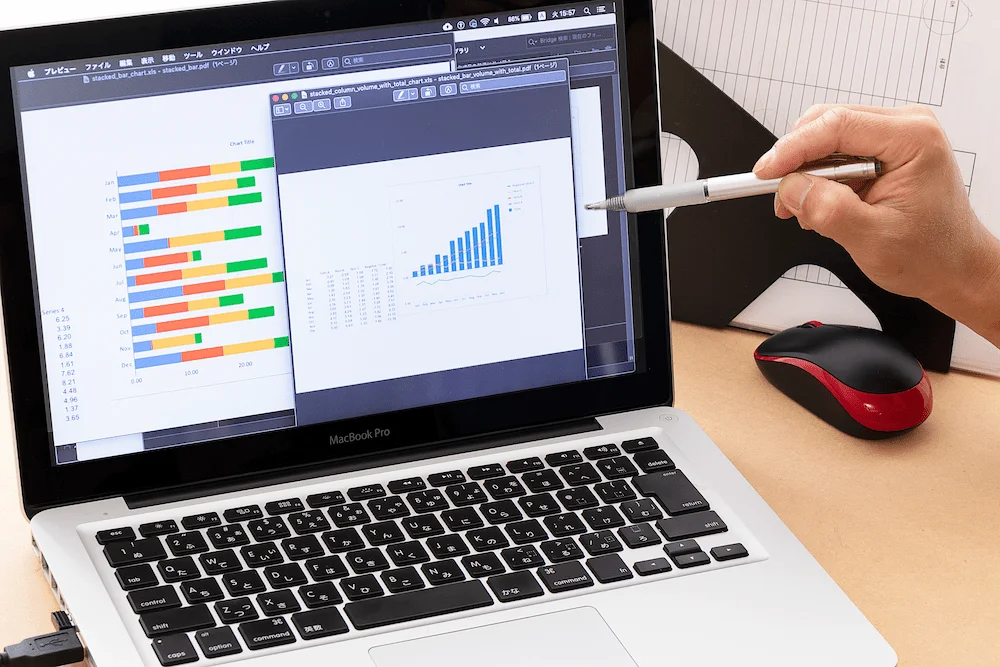
And then there’s the perspective of the “web manager (you)” who’s responsible for maintaining the website.
No matter how cool the front end looks, it’s a bit disappointing if the back end is too complicated for you to make any changes yourself, isn’t it? That’s where a CMS (Content Management System)—which allows you to update the site even without specialized knowledge—becomes essential.
A well-implemented website is built this way.
An “easy-to-update structure” that’s intuitive to use
When you open the admin panel, you should be able to tell at a glance, “Oh, I just need to enter text here and upload a photo here.” Even if you’re not a professional engineer, you can share the day’s vibe just as naturally as you’d use social media. That “intuitive feel” is absolutely essential for keeping your website “alive.”
A “break-proof” layout
The moment you add a little text or quickly insert a tall photo, the entire page’s balance comes crashing down. That makes you too afraid to update the site, doesn’t it? No matter what data you enter, the system automatically adjusts it to look “just right” and preserves the beauty of the design. It’s crucial to build a “generous yet sturdy foundation” like this.
“Simple Operational Rules” That Avoid Reliance on Specific Individuals
Saying, “If that person leaves, no one else will be able to update the site,” is a very dangerous situation. Instead of relying entirely on a specific person, design the system to be so simple that anyone can take over seamlessly without a manual. A website isn’t something you just build and forget—it’s a place you “live in” every day, so you want to make sure anyone can walk right in.
Selecting a CMS or Tool: Which One Fits “Your Service”?
There’s more than one tool available for building websites today. Broadly speaking, there are three main categories: “WordPress,” “microCMS,” and “no-code platforms” (such as STUDIO). Rather than focusing on which one is superior, I think it’s best to choose based on “how you want to grow your service.”
Comparison Criteria | No-Code (STUDIO, etc.) | ||
Architecture | Server-Integrated | Headless (separate display) type | Fully Cloud-Based |
Strengths | Extensive Features, Media Management | Unmatched Speed, Flexible Design | Intuitive editing, easy management |
Security | Appropriate security measures and updates are essential | Extremely robust | Leave it to the operating company |
Maintenance and Management | Server and maintenance required | No server management required | No server or maintenance required |
Ideal for | Want to post frequently every day | Want to perfect a unique brand experience | Want to make operations as easy as possible |
If you want to actively grow your site yourself, choose “WordPress”
Whether you’re sharing staff updates daily or constantly adding new project examples from the field, WordPress is the perfect choice for businesses that want to treat their website as a “growing media platform” and nurture it daily—just like you would a physical store. Its flexibility—which makes it easy to add features later using plugins—is another reason it has remained so popular over the years.
If you’re focused on quality and security, choose “microCMS”
“We don’t want to make customers wait even a single second for a page to load.” Or perhaps you run a clinic where security is paramount, or work in a creative field where you won’t compromise your brand’s image by even a millimeter. If “speed,” “security,” and a “consistent brand identity” are your top priorities, microCMS is the perfect fit.
If you want to keep things “easy” yet beautiful, choose “no-code”
“I don’t really understand complicated stuff like server management, but I want to be particular about the design.” For people like this, no-code tools like STUDIO are a reliable ally.Since they offer intuitive operations—like simply typing text directly onto a design mockup—these tools present the lowest psychological barrier for web managers. They’re a very user-friendly option for small teams or businesses that can’t allocate resources to ongoing maintenance.
A Common Mistake: “Imbalance in Implementation”
If you favor either the “front-end people” or the “back-end people” too much, your website will end up feeling a bit stifling.
“Front-end bias” that focuses solely on appearance
In an effort to entertain website visitors, people often chase after cool animations and flashy effects. While I fully understand that sentiment, the result can be a back-end that becomes a tangled mess.Once the site goes live, you might find yourself in the unfortunate situation where “we can’t even update a single character in the announcements ourselves.” Sacrificing the website’s functionality for visual appeal is putting the cart before the horse.
“Overemphasis on the Back End” Driven Solely by Ease of Management
Conversely, what happens if the desire to “make updates as easy as possible for ourselves” becomes too strong? Everything gets forced into a rigid mold, resulting in a website that feels as lifeless as a piece of paperwork. While the information is undoubtedly well-organized, the “human warmth” and “charm” that the company should naturally possess disappear completely.This results in a site that fails to move anyone’s heart.
Key Consideration: “Is the code robust enough to function even if the production company changes?”
Finally, let’s talk about something a bit more serious.
The aspect of implementation where we strive to be most conscientious is “back-end quality.”
This means asking, “Is it built in a way that another engineer can properly take over the project?”
I think it’s unprofessional to leave behind “cryptic code that only the person who wrote it can understand” (code that’s tied to a specific individual). After all, it’s our client’s valuable asset. We are committed to writing clean, well-organized code that anyone can look at and say, “Ah, so that’s what they intended.”
So that even if someone else works on that website several years from now, it will continue to thrive alongside your business.
A good website is one with a “structure that doesn’t end once it’s built”
A good website isn’t just something that looks nice.
It’s a place where no one—whether visitors on the front end or the team maintaining it behind the scenes—gets lost.
And above all, it must have a “structure that doesn’t break even after continuous updates—it’s not just ‘build and forget.’” We believe that is the absolute prerequisite for a great website.
If you’re feeling “somewhat exhausted” by managing your current website, it might not be the design’s fault—the cause could lie in the invisible “back-end architecture.”
 Contact Form


 Related Articles